Your rankings look healthy, yet clicks keep slipping. The reason is a shift in where searchers get their answers. Google says AI Overviews now have over 2.5 billion monthly users and AI Mode has passed one billion, and SparkToro’s 2026 clickstream data found that 68% of U.S. Google searches ended without a click. That is why learning how to rank in Google AI Overviews is now part of everyday SEO.
This guide explains how AI Overviews pick their sources, what the latest data says about traffic, six steps to get cited, and how to track the results. Every Google claim comes from Google’s own documentation, and where the evidence is limited, we say so.
What Are Google AI Overviews and How Do They Select Sources?
Quick answer: Google AI Overviews are AI-written summaries at the top of search results. Google builds them with retrieval-augmented generation (RAG), also called grounding: it retrieves relevant pages from its Search index using core ranking systems, then writes an answer with links to supporting sources. Only indexed pages eligible for a snippet can be used.
Two techniques matter. Retrieval-augmented generation grounds the answer in real pages from Google’s index, which keeps it fresher and more accurate. Query fan-out means the system runs several related searches at once. In Google’s own example, a question about fixing a weedy lawn fans out into searches on herbicides, chemical-free removal and prevention. So your page can be cited for a narrower sub-question, not only for the exact query.

Google’s guide says its AI features rely on the same core ranking and quality systems as Search, so there is no separate AI-only ranking system to game. It does not describe an “entity trust” score. It does list eligibility rules: a page must be indexed and eligible to appear with a snippet, and the site must be included in the Search generative AI control in Search Console. AI Mode is Google’s fuller conversational search experience, but Google’s guidance covers AI Overviews and AI Mode together, so the steps below apply to both. For the wider picture, read our guide on how AI decides which brands to cite.
How Does Google AI Mode Affect Website Traffic?
Quick answer: Google AI Mode and AI Overviews reduce clicks to websites, but the size varies. SparkToro found 68% of U.S. Google searches ended without a click in early 2026, and a randomized study found AI Mode cut external-site visits by 18.8 percentage points. Being cited still matters, because cited brands earn more clicks than uncited ones.
Here is what the main 2025 to 2026 studies found, with their limits:
Source | What it found | Limit |
SparkToro and Similarweb, Jan to Apr 2026 | 68.01% of U.S. Google searches ended without a click, up from 60.45% in 2024 | Not all zero-click searches are caused by AI |
Pew Research, Mar 2025 | Users clicked a traditional result in 8% of visits with an AI summary, versus 15% without | 900 U.S. adults; now dated |
Ahrefs, Dec 2025 | Position-one click-through was 58% lower when an AI Overview appeared | Correlation across 300,000 keywords |
Randomized study, Sept 2026 | Forcing searches into AI Mode cut the share reaching an external site by 18.8 points | 1,100 U.S. users, 7 days, AI Mode was forced |
Cyrus Shepard case study, Oct 2026 | AI impressions earned about 0.9% click-through, and opting out also lowered regular organic clicks | One site, small sample |
Seer Interactive, 2026 | Cited brands earned about 120% more clicks per impression than uncited ones | Informational queries; directional |
Four takeaways follow from the data:
- Fewer clicks per impression. Expect lower click-through on queries that trigger an AI answer, even when your ranking holds. Our post on why rankings can rise while traffic falls explains how to diagnose it.
- AI Mode is still a small share of searches. SparkToro found AI Mode in only 0.34% of searches from January to April 2026, though Google says usage is growing fast. The randomized study shows what happens when AI Mode becomes the default, not what happens when people choose it.
- A citation beats no citation. Seer’s data and the Shepard case study both point the same way, although the case study covers a single site.
- Not every query is affected equally. Seer found AI Overviews on about 36% of informational queries, 8% of commercial queries and 5% of transactional queries across 53 brands. Product and service pages are exposed less than how-to content.
6 Proven Steps to Get Cited in Google AI Overviews
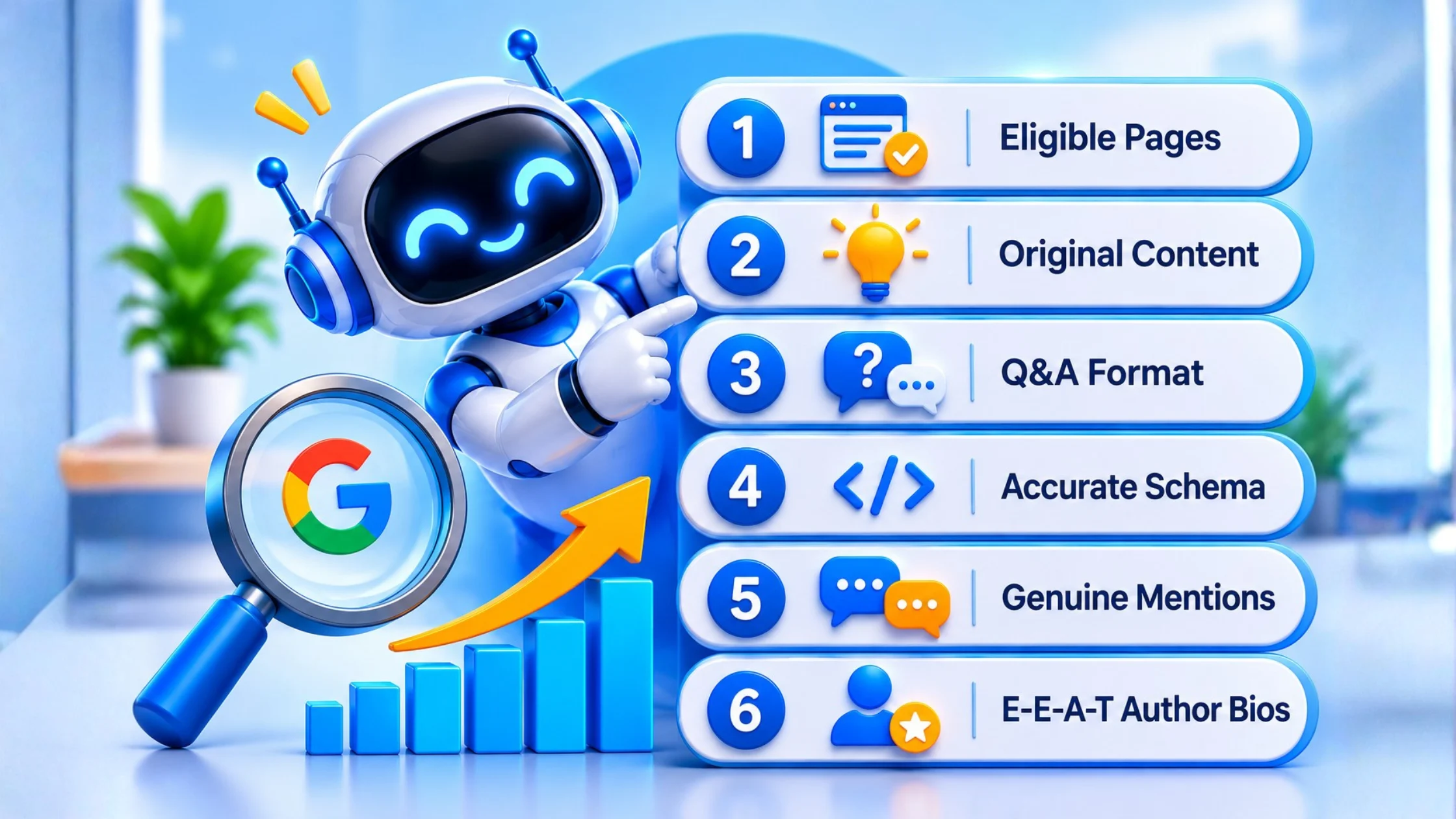
Quick answer: To get cited in Google AI Overviews, confirm your pages are indexed and eligible, publish original content with first-hand experience, answer questions clearly under question-style headings, add accurate structured data, earn genuine mentions elsewhere, and show real authorship. Google says standard SEO best practices apply, and no special AI markup is required.
Step 1: Confirm Your Pages Are Eligible
Google requires a page to be indexed and eligible to show with a snippet. Check three things:
- Use the URL Inspection tool in Search Console to confirm the page is indexed.
- Make sure you have not used nosnippet or a very restrictive max-snippet tag.
- In Search Console, open Settings > Search generative AI and confirm your site is set to “Include.” This is the default, and Google rolled the control out to all websites worldwide on 31 August 2026. Excluding your site removes all impressions and traffic from AI Overviews and AI Mode.
Step 2: Publish Original, Non-Commodity Content
Google says unique, valuable content will likely influence your presence in AI search more than any other tip. Its example of commodity content is a generic “7 tips” list built from common knowledge. Add what only you can: first-hand testing, your own data, client results, screenshots and a clear point of view. Support the text with high-quality images and video where they help. Our content development team builds pages around this principle. Do not create a separate page for every query variation; Google says doing that to manipulate AI responses violates its scaled content abuse policy.
Step 3: Format Content With Structured Q&A
If you are wondering how to optimize content for AI search engines, start with clarity. Use question-style headings, put a direct answer of 40 to 55 words under each one, then add detail with short paragraphs, lists and tables. Google says there is no need to chop content into tiny “chunks” or to rewrite pages in a special way for AI, and no ideal page length. Write for your reader, and good on-page SEO does the rest.
Step 4: Add Accurate Schema Markup
Google says structured data is not required for its generative AI features and that no special markup exists for them. It still recommends using it because it supports eligibility for rich results. Add Article, FAQPage, Organization, Product or LocalBusiness markup as relevant, and make sure it matches what is visible on the page. Online stores should also keep Merchant Center feeds accurate, and local businesses should keep their Google Business Profile current. See our guide to Magento SEO for Google AI Overviews for a store-specific example.
Step 5: Earn Genuine Brand Mentions
Google’s AI features can reflect what is said about brands across blogs, videos and forums. Take part honestly on Reddit, Quora and industry sites by answering real questions in your own name and disclosing your connection to the company. Google warns that seeking inauthentic mentions is not as helpful as it seems, and in the U.S. the FTC requires clear disclosure from company insiders who post reviews. Our guide to getting your business mentioned in ChatGPT, Gemini and Perplexity covers this in more detail.
Step 6: Show Strong E-E-A-T With Author Bios
Add a named author with real credentials to every article, show when it was last updated, and cite your sources. Keep your About page, contact details and company facts consistent across your site and profiles. These signals help readers judge reliability, which is the goal of Google’s quality systems. Read more about E-E-A-T trust signals.
AI Overview SEO Checklist
Quick answer: Use this AI Overview SEO checklist before publishing: page indexed, snippet allowed, generative AI control set to include, original insight added, question-style headings with short direct answers, accurate structured data, named author, sources cited, and fast mobile page experience. Review it quarterly for your top pages.
- Page is indexed and returns no errors
- No nosnippet or restrictive max-snippet tag
- Search generative AI control is set to “Include”
- The page contains original data, experience or insight
- Question-style headings with 40 to 55 word answers
- Accurate structured data that matches visible content
- Named author, updated date and cited sources
- Fast, usable mobile page experience
- Merchant Center or Google Business Profile details current, if relevant
Why Is Google AI Overview Not Showing My Website?
Quick answer: Google AI Overview may not show your website because the page is not indexed or snippet-eligible, your Search Console generative AI control is set to exclude, the query does not trigger an AI Overview, or competing pages offer more original value. Eligibility is a requirement, not a guarantee.
Work through these causes in order:
- Eligibility. Run the three checks in Step 1.
- The query. Many searches never trigger an AI Overview. Seer’s data shows transactional queries trigger them far less often than informational ones.
- Content depth. If your page restates what ten others already say, an AI system has no reason to cite it.
- Crawlability and page experience. Google says content must be crawlable, load well on all devices and make the main content easy to find.
- Competition. Other sites may answer the sub-questions more completely. Our competitor SEO analysis shows who is cited instead of you.
How to Track Your Visibility Inside AI Search
Quick answer: Track AI search visibility with three methods: a monthly manual prompt log across Google AI Mode, ChatGPT and Perplexity, Search Console’s Generative AI performance report for impressions and pages, and third-party AI visibility trackers. Add branded search trends and a self-reported “How did you hear about us?” field to capture influence without clicks.
- Manual prompt testing. Pick 10 to 20 questions your buyers ask. Run them each month in Google AI Mode, ChatGPT and Perplexity, and log whether your brand is named, which pages are cited and who else appears.
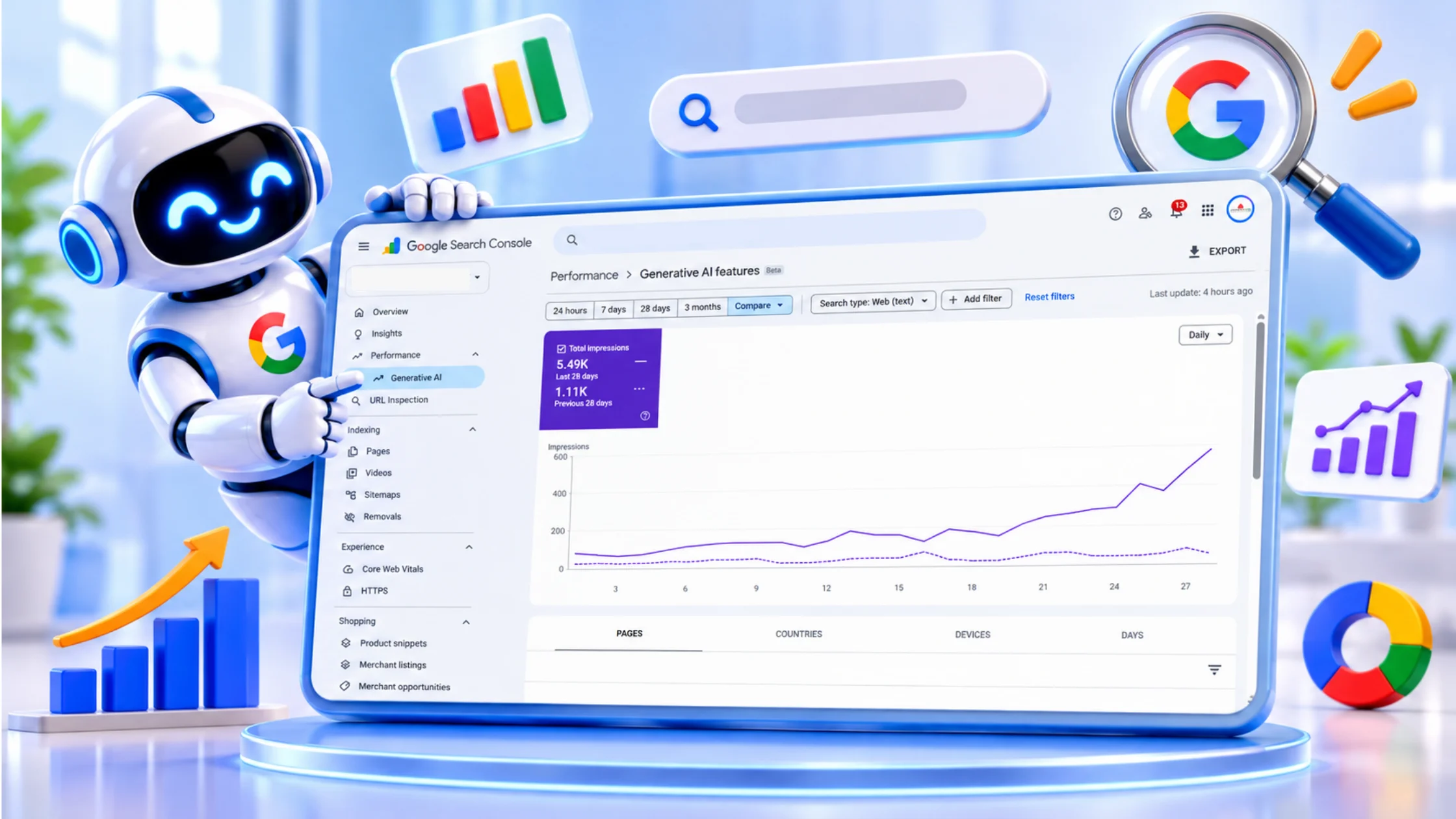
- Search Console. Use the Generative AI performance report, which Google says shows impressions, the pages that appear in AI responses and the countries involved. Clicks on links in AI Overviews and AI Mode also count in the standard Performance report.
- Third-party trackers. Vendors such as Semrush and Similarweb sell AI visibility tools that automate prompt checks. Treat their figures as directional, since each vendor measures differently.
- Brand signals. Watch branded search volume in Search Console and add a “How did you hear about us?” field to your forms, with an AI chatbot option.
Because AI answers rarely send a click, tracking influence matters as much as tracking traffic. Our post on SEO when Google stops showing blue links explains how to adjust your reporting.
Get a Free Search Visibility Audit
Want to know how to rank in Google AI Overviews with your own pages? Apex Web Zone’s SEO and AI visibility services cover the technical checks and content gaps in this guide. Request a free SEO audit and we will show you what to fix first.
